 DeskPlain
What is inside
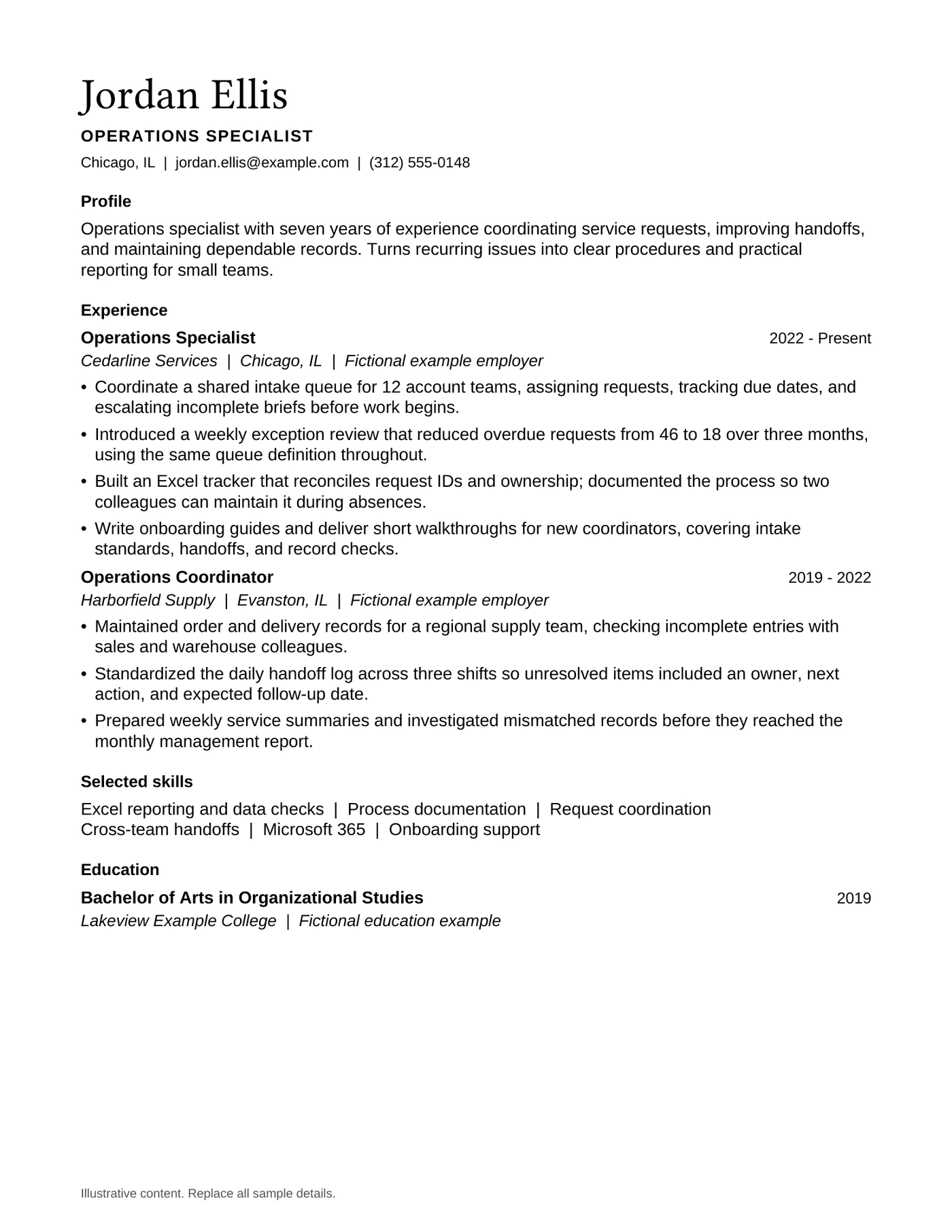
- Experienced resume: 1 editable Word page and matching PDF reference
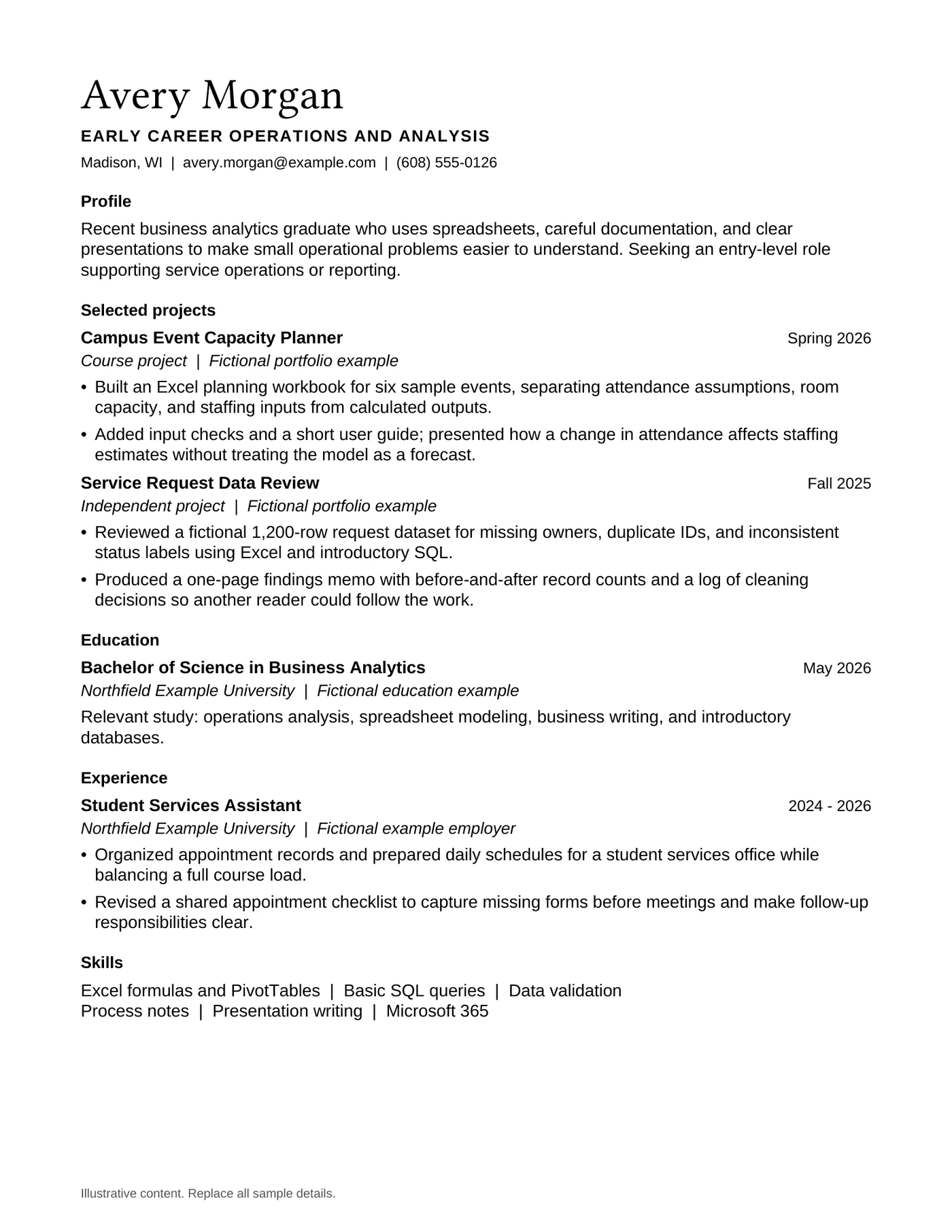
- Early-career resume: 1 editable Word page and matching PDF reference
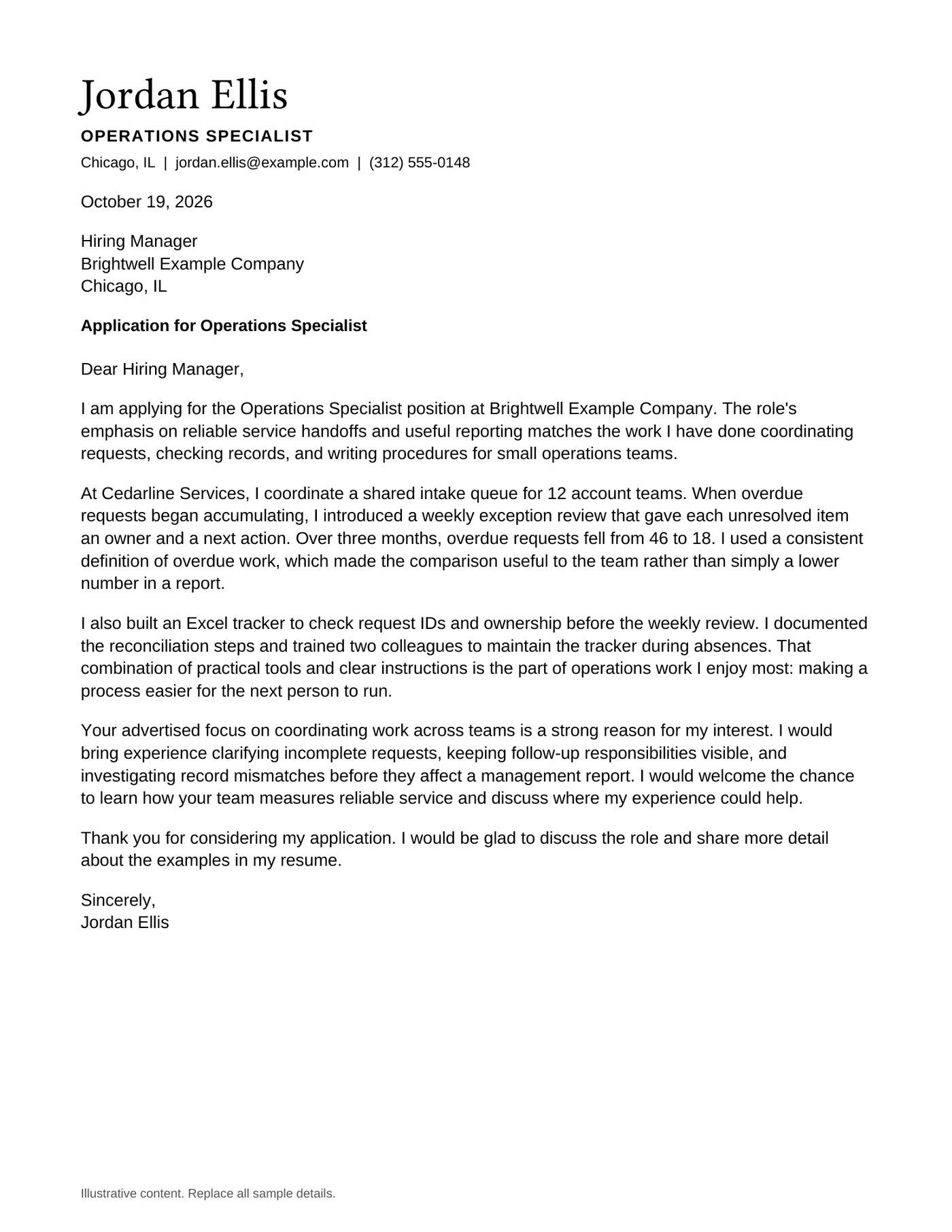
- Matching cover letter: 1 editable Word page and matching PDF reference
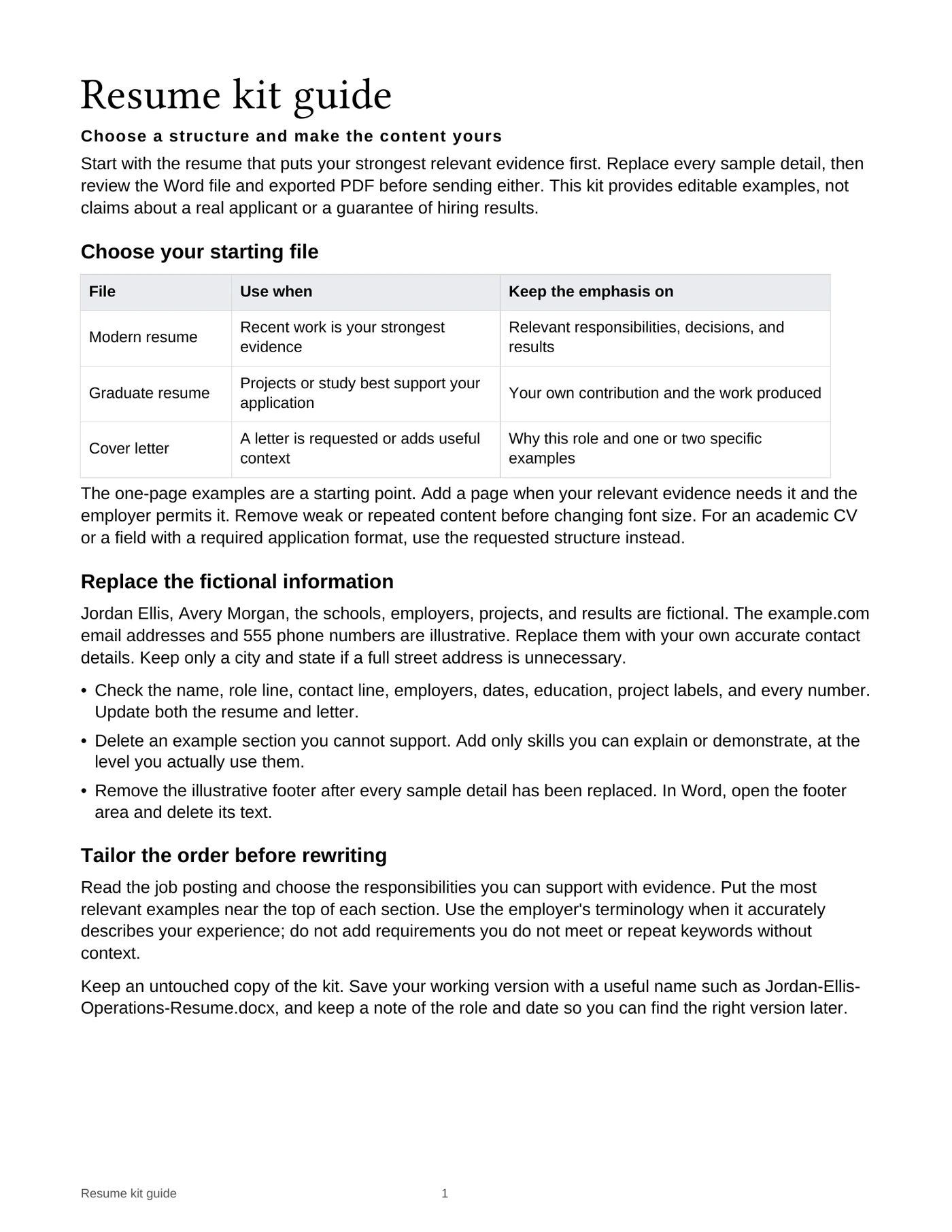
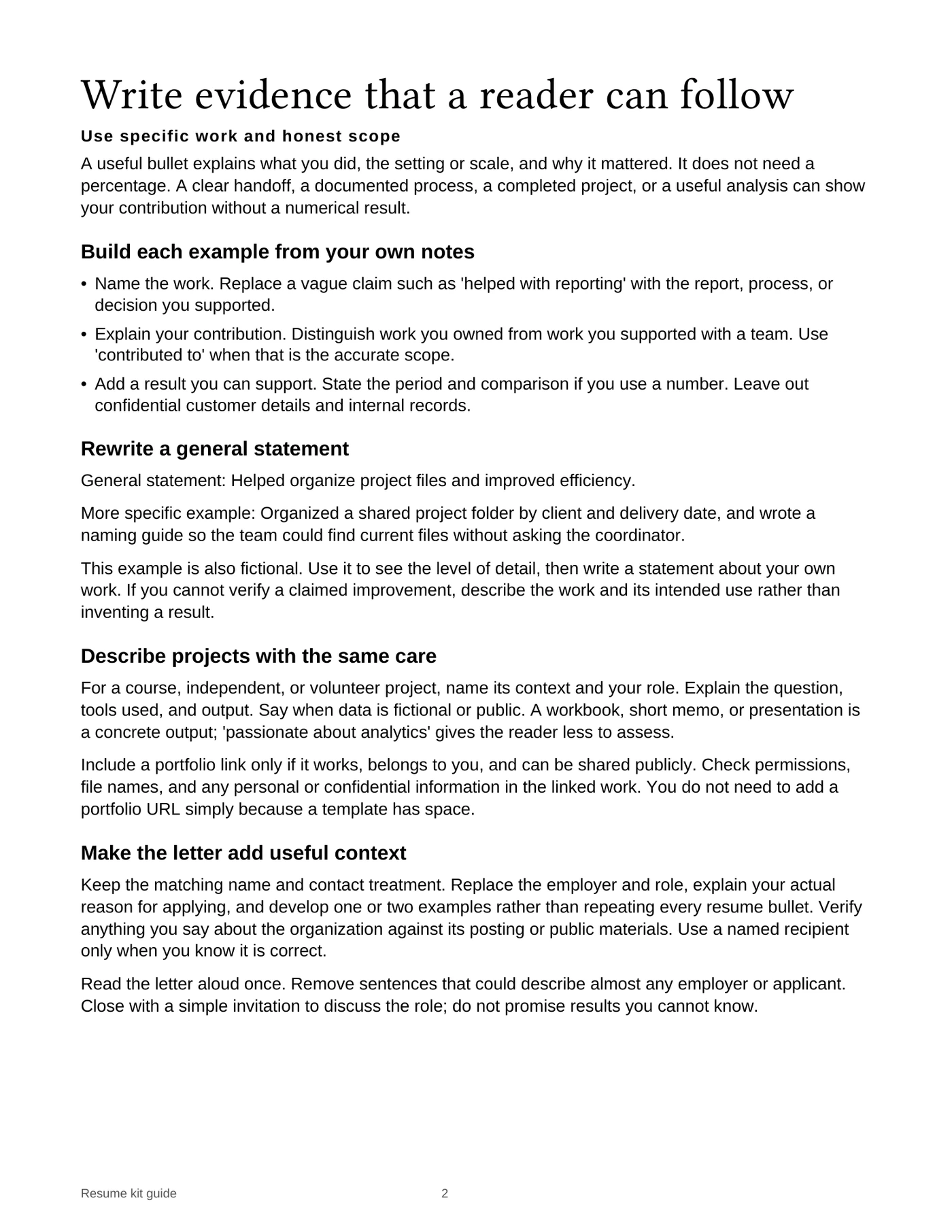
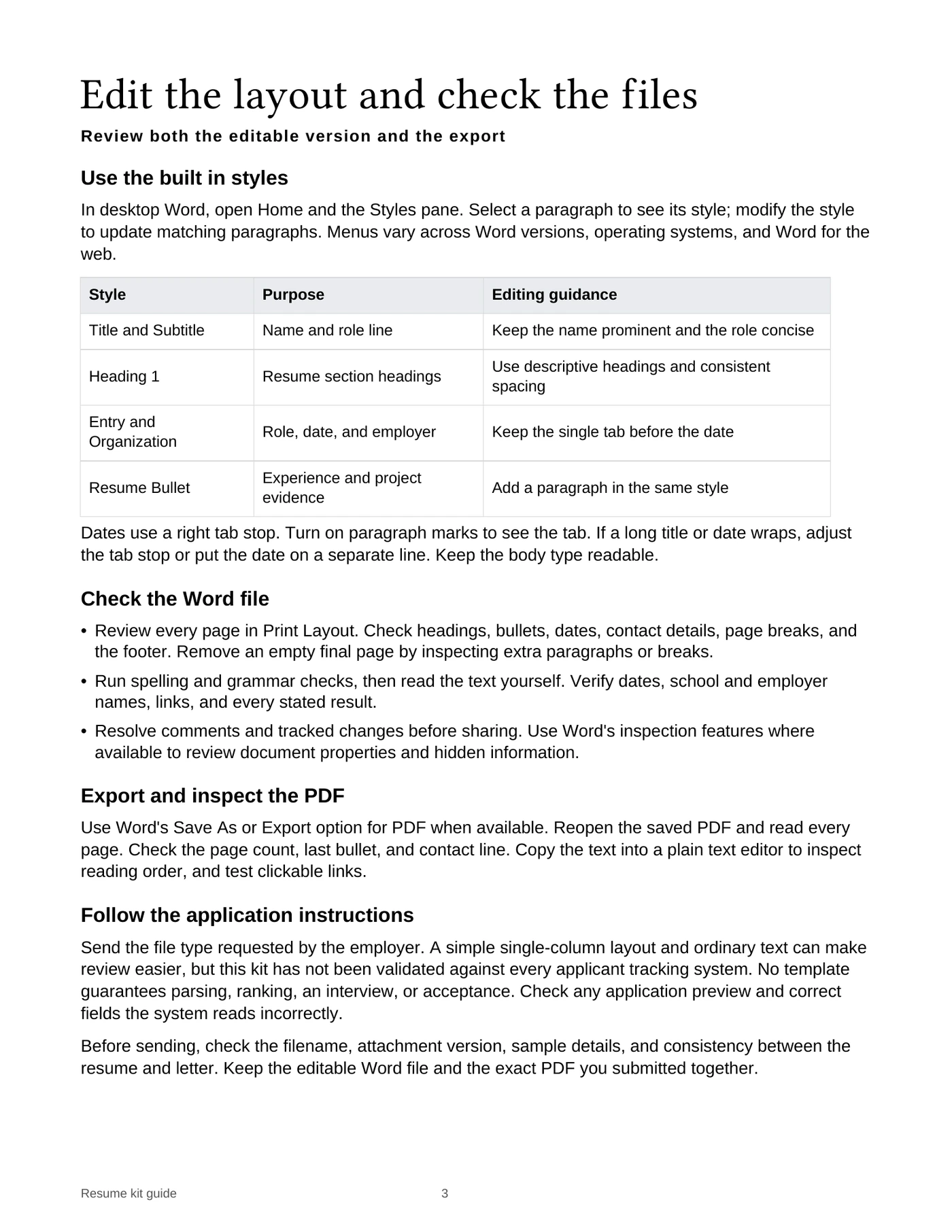
- Editing and final-file guide: 3 pages, in Word and PDF
- Ordinary editable text, Word paragraph styles, semantic bullets and aligned dates
How to use it
Choose the layout that reflects the evidence you have. Edit in Word or a compatible editor, then inspect the exported file.
Choose your structure
The experienced layout leads with relevant work. The early-career layout puts education and projects in a clear sequence.
Replace the illustrative content
Every name, employer, project and result in the examples is fictional. Replace all of it with accurate details; the examples demonstrate writing and spacing.
Keep the hierarchy intact
Use the supplied paragraph styles and date alignment rather than adding repeated spaces or blank paragraphs.
Review the actual attachment
Follow the employer’s requested format. Open the final DOCX or PDF and check every page, link and contact detail.
Look through the pages.
Select a page to open the full-size image. Word pagination can change when you replace the sample text or use a different editor.
Common questions
Are these blank forms?
They contain clearly marked fictional examples so you can see how a finished page works. Replace all sample details before using an application document.
Are the Word files editable?
Yes. The resumes and cover letter use ordinary editable Word content. Font substitution and changes to length can affect pagination in another editor.
Is hiring-system compatibility guaranteed?
No. The files use a straightforward reading order, but no template can certify acceptance by every employer or hiring system. Follow the recipient’s instructions.