 DeskPlain
What is inside
- 2 US Letter pages
- 22 interactive fields with descriptive tooltips
- Printable writing areas as an alternative to digital entry
- Original blank master, with no prefilled personal information
How to use it
Use alongside the actual spreadsheet, not in place of it. Record the rules and exceptions that explain your changes.
Define the review
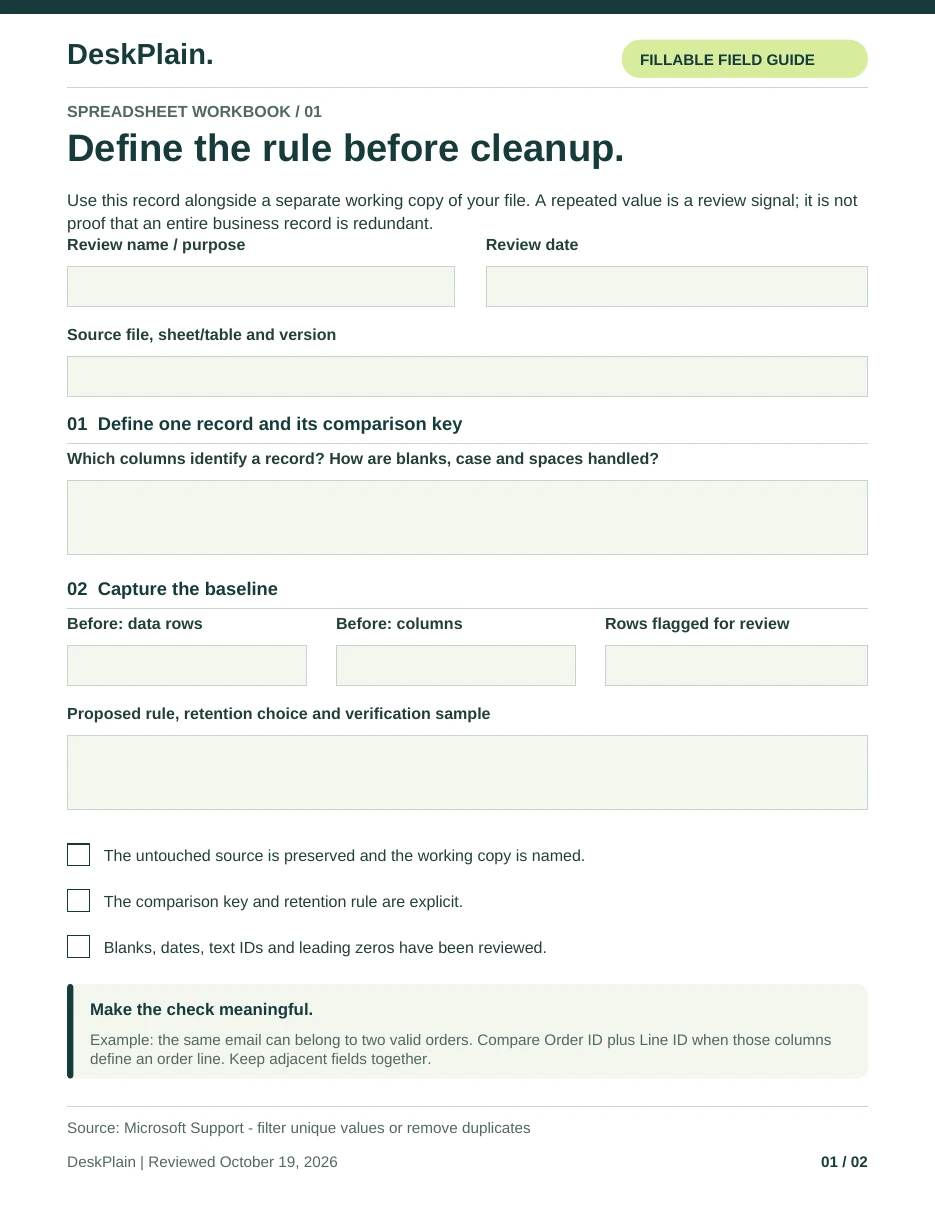
Record the source, working copy, scope and question. Identify the columns that define one record.
Set the baseline
Record row counts and important checks before you alter the copy. Do not assume a repeated name or blank value is wrong.
Keep exceptions visible
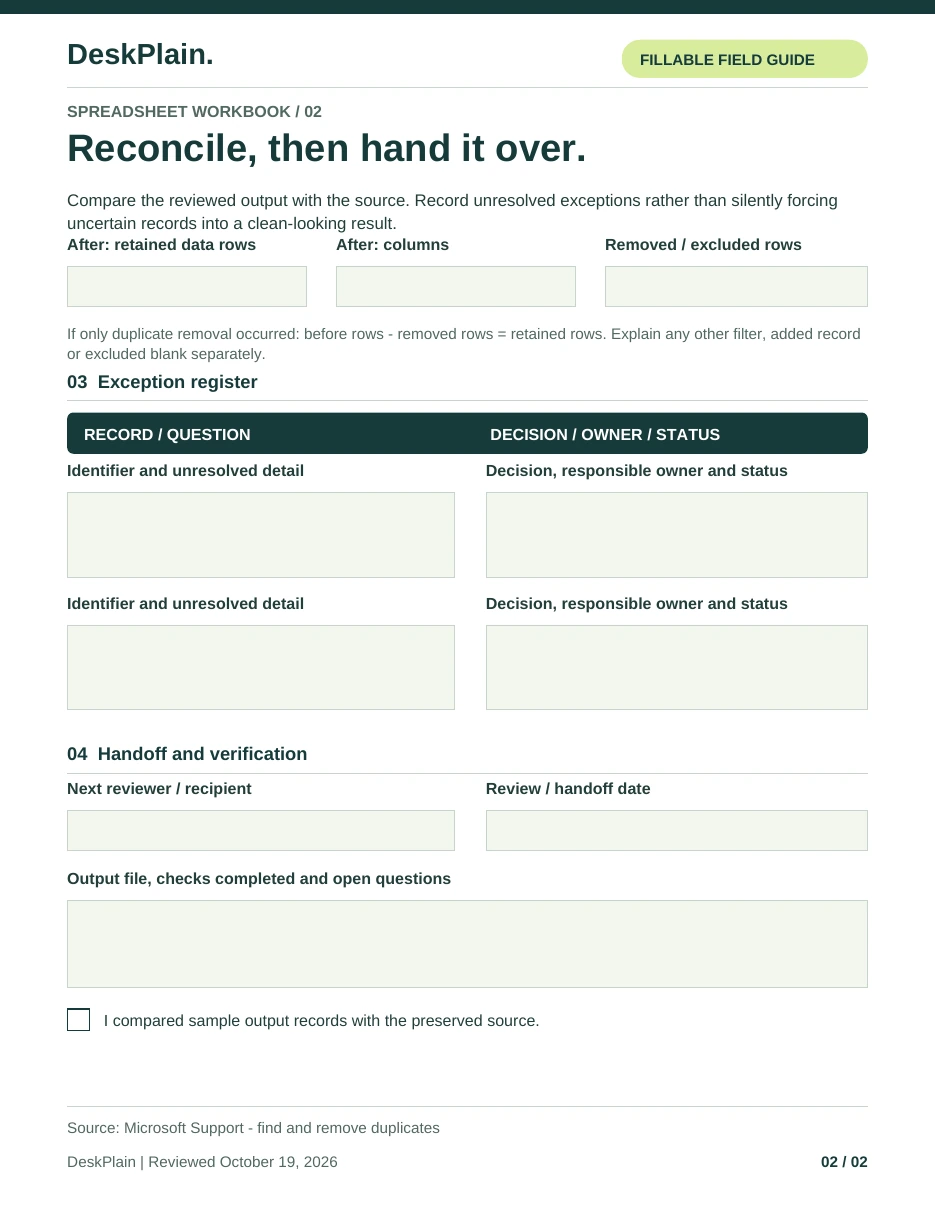
Use the register for conflicting IDs, ambiguous dates and decisions that require the data owner.
Close with an explanation
Compare the reviewed output with the source and note unresolved questions before handing the work over.
Look through the pages.
Select a page to open the full-size image. The pages below come from the blank interactive PDF. Download the PDF and use a compatible reader to fill the fields.
Common questions
Does the worksheet certify the data?
No. It is a process record, not an audit opinion or a certification. The source owner must resolve business rules and ambiguous records.
Can I print and write on it?
Yes. The pages provide labelled writing areas as well as PDF fields. For a digital copy, use a compatible reader and verify that the saved values persist.
Should confidential rows go in the PDF?
Record only the minimum information you need. Prefer row references or a sanitized example when a record contains personal or confidential information.