 DeskPlain
What is inside
- 4 US Letter pages
- 40 interactive fields with descriptive tooltips
- Printable writing areas as an alternative to digital entry
- Original blank master, with no prefilled personal information
How to use it
Download before filling. Use a PDF reader with form support, save a new copy and reopen it to confirm your answers were kept.
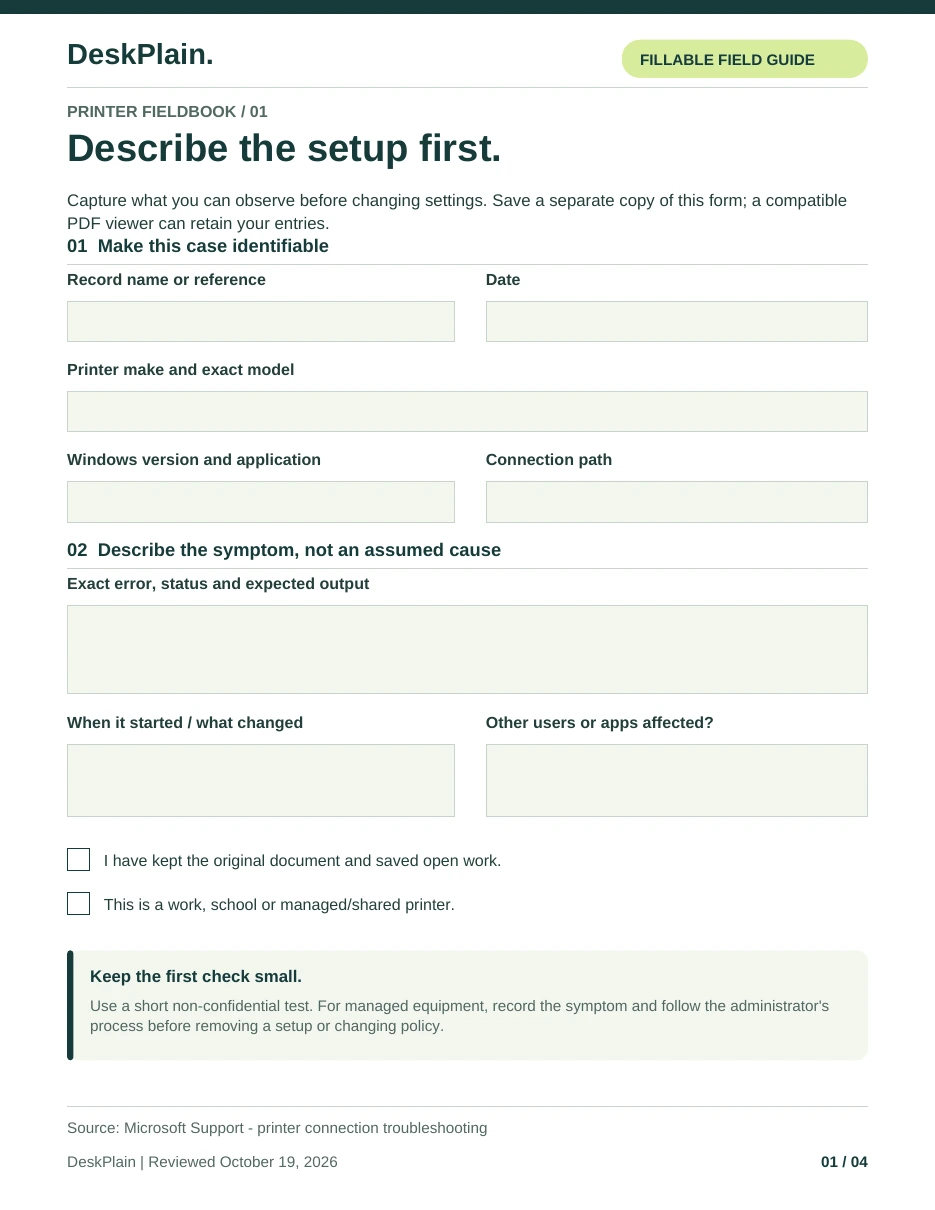
Describe the setup
Record the exact model, connection and symptom without including account credentials or confidential document content.
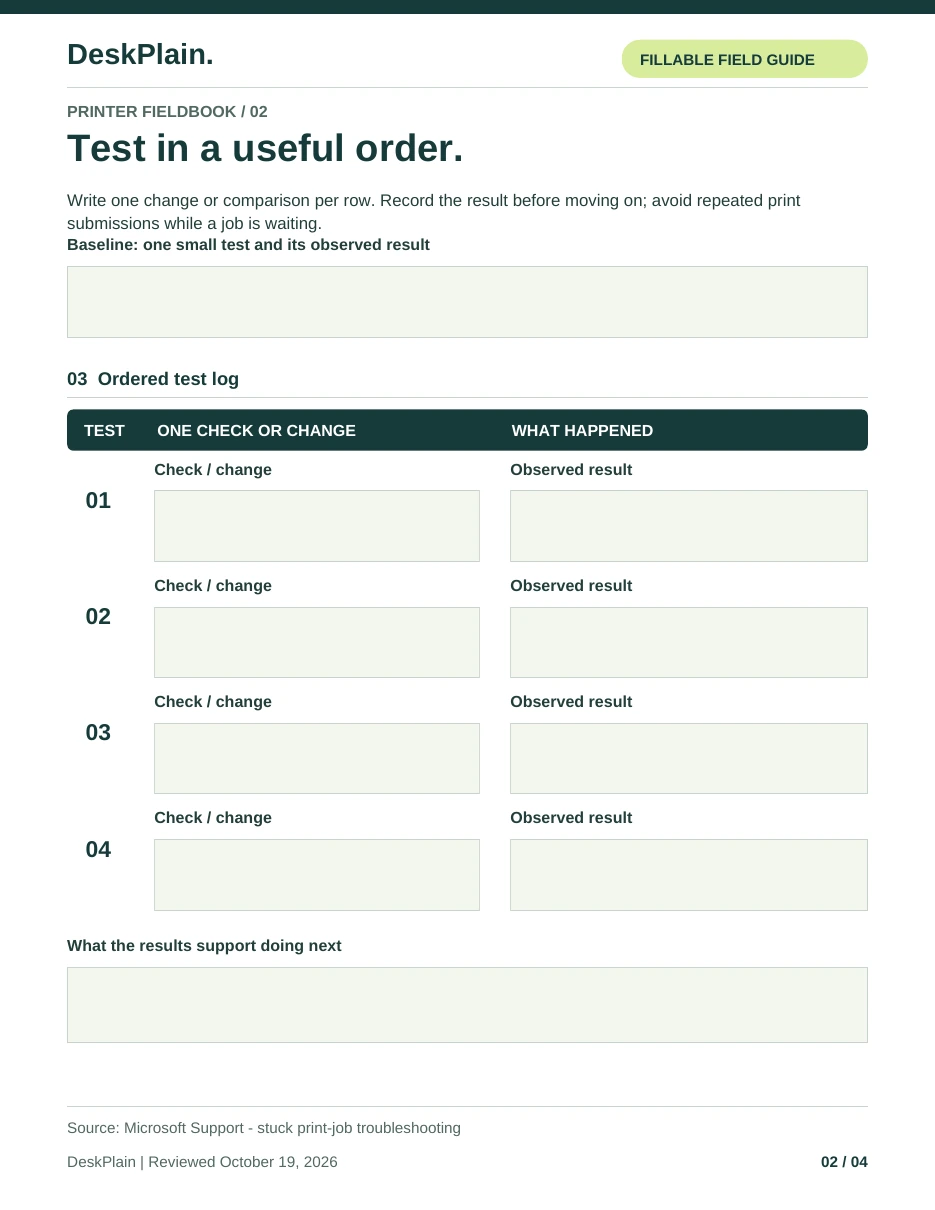
Change one thing at a time
Use a small, non-confidential test and record the before/after result. Stop before removing a managed setup or making a change you cannot restore.
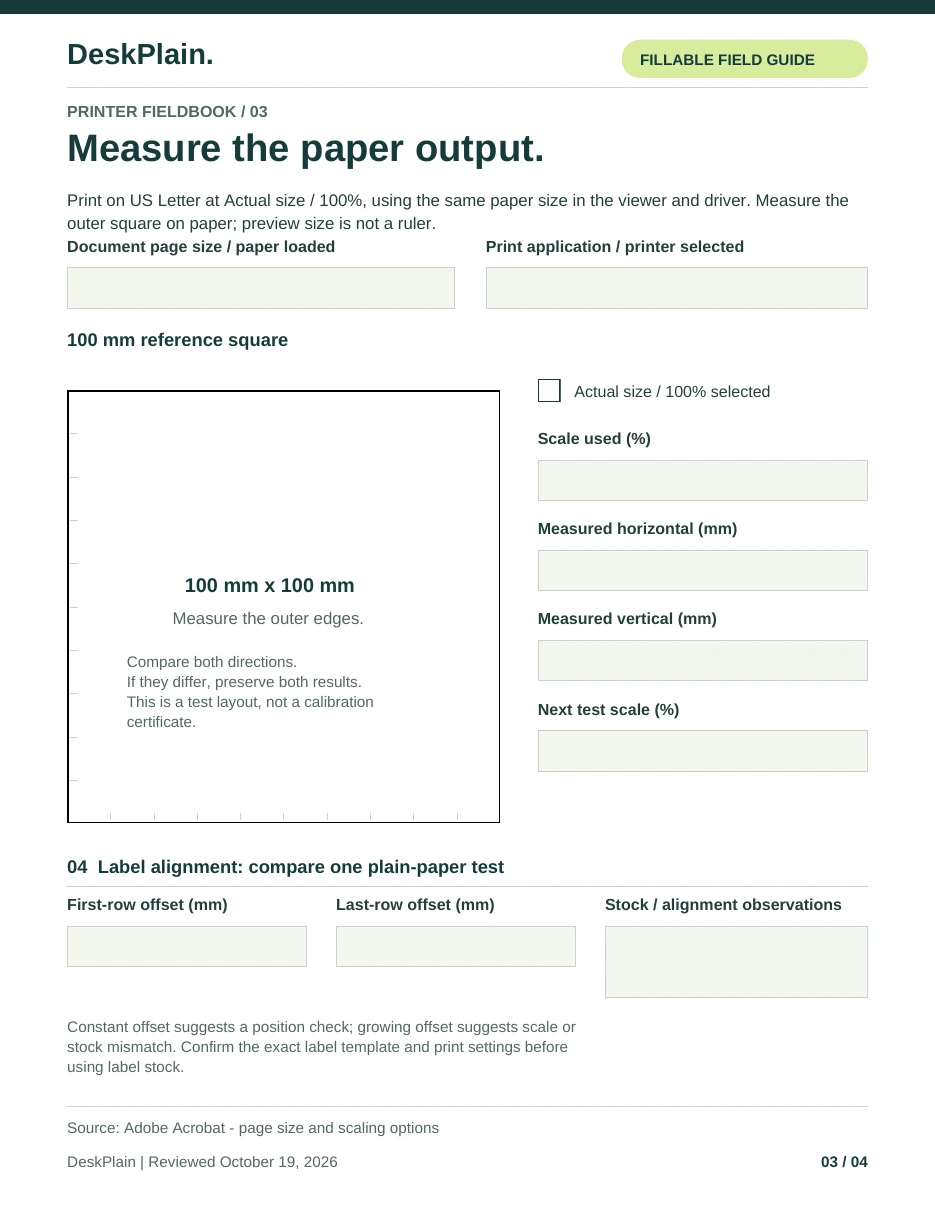
Measure only where it matters
Use the labelled physical-size page at Actual size or 100%. Verify it with a ruler on paper; an on-screen view is not a measurement.
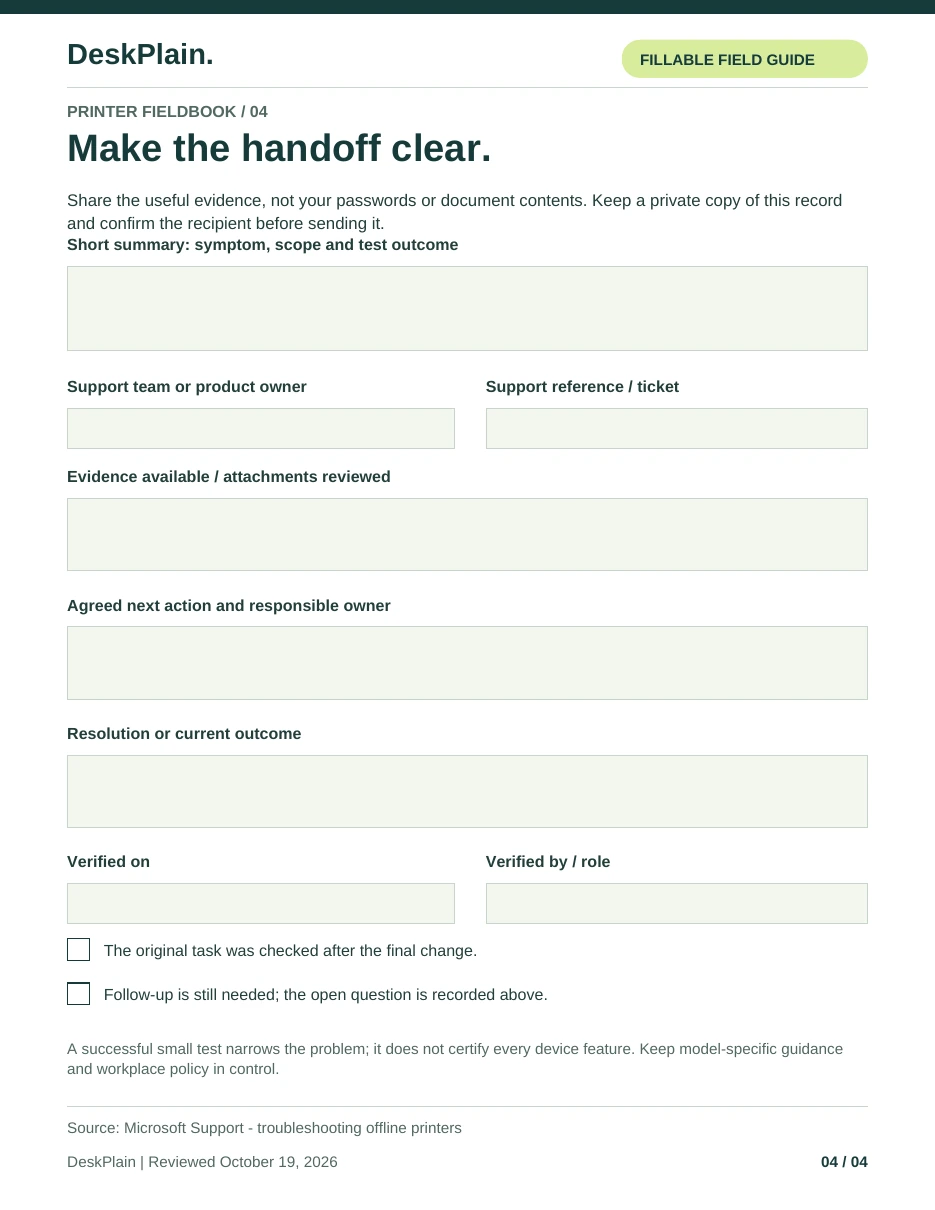
Hand over useful evidence
Complete the support summary and keep the resolved settings with the record for a future comparison.
Look through the pages.
Select a page to open the full-size image. The pages below come from the blank interactive PDF. Download the PDF and use a compatible reader to fill the fields.
Common questions
Does the PDF diagnose my device?
No. It organizes your observations and test results. It does not connect to a printer, scan a network or change settings.
Can I fill it in a browser?
Some browser viewers support basic PDF fields, but save behavior varies. Download it, use a compatible PDF reader and reopen the saved copy to verify your answers.
Is the measurement page a calibration certificate?
No. It is a physical test aid. Printer margins, paper, application settings and scaling can affect output. Measure the actual print before relying on it.